GitLab + GitLab CI with DTM Tools
DevStream has two abstractions: Tools and Apps.
The previous use case uses Apps. We can also achieve the same result with Tools, and here's how:
ENV Vars
The following environment variables are required for this to work:
Config File
YAML
config:
  state:
    backend: local
    options:
      stateFile: devstream.state

vars:
  gitlabUser: YOUR_GITLAB_USERNAME
  dockerUser: YOUR_DOCKERHUB_USERNAME
  app: testapp

tools:
- name: helm-installer
  instanceID: argocd
- name: repo-scaffolding
  instanceID: myapp
  options:
    destinationRepo:
      owner: [[ gitlabUser ]]
      name: [[ app ]]
      branch: master
      scmType: gitlab
      # set env GITLAB_TOKEN
      token: [[ env GITLAB_TOKEN ]]
    sourceRepo:
      org: devstream-io
      name: dtm-repo-scaffolding-python-flask
      scmType: github
- name: gitlab-ci
  instanceID: flask
  dependsOn: [ "repo-scaffolding.myapp" ]
  options:
    scm:
      owner: [[ gitlabUser ]]
      name: [[ app ]]
      branch: master
      scmType: gitlab
      token: [[ env GITLAB_TOKEN ]]
    pipeline:
      language:
        framework: flask
        name: python
      imageRepo:
        user: [[ dockerUser ]]
        # set env IMAGE_REPO_PASSWORD
        password: [[ env IMAGE_REPO_PASSWORD ]]
- name: argocdapp
  instanceID: default
  dependsOn: [ "helm-installer.argocd", "gitlab-ci.flask" ]
  options:
    app:
      name: [[ app ]]
      namespace: argocd
    destination:
      server: https://kubernetes.default.svc
      namespace: default
    source:
      valuefile: values.yaml
      path: helm/[[ app ]]
      repoURL: ${{repo-scaffolding.myapp.outputs.repoURL}}
      token: [[ env GITLAB_TOKEN ]]
    imageRepo:
      user: [[ dockerUser ]]
      password: [[ env IMAGE_REPO_PASSWORD ]]
Update the "YOUR_GITLAB_USERNAME" and "YOUR_DOCKERHUB_USERNAME" in the above file accordingly.
Notes:
Your GitLab must have shared runners to run gitlab-ci, If you want to create a runner automatically, you can refer to gitlab-ci plugin docs about how to generate a runner by DevStream.
Run
First, initialize:
Bash
# this downloads the required plugins, according to the config file, automatically.
dtm init -f config.yaml
Then we apply it by running:
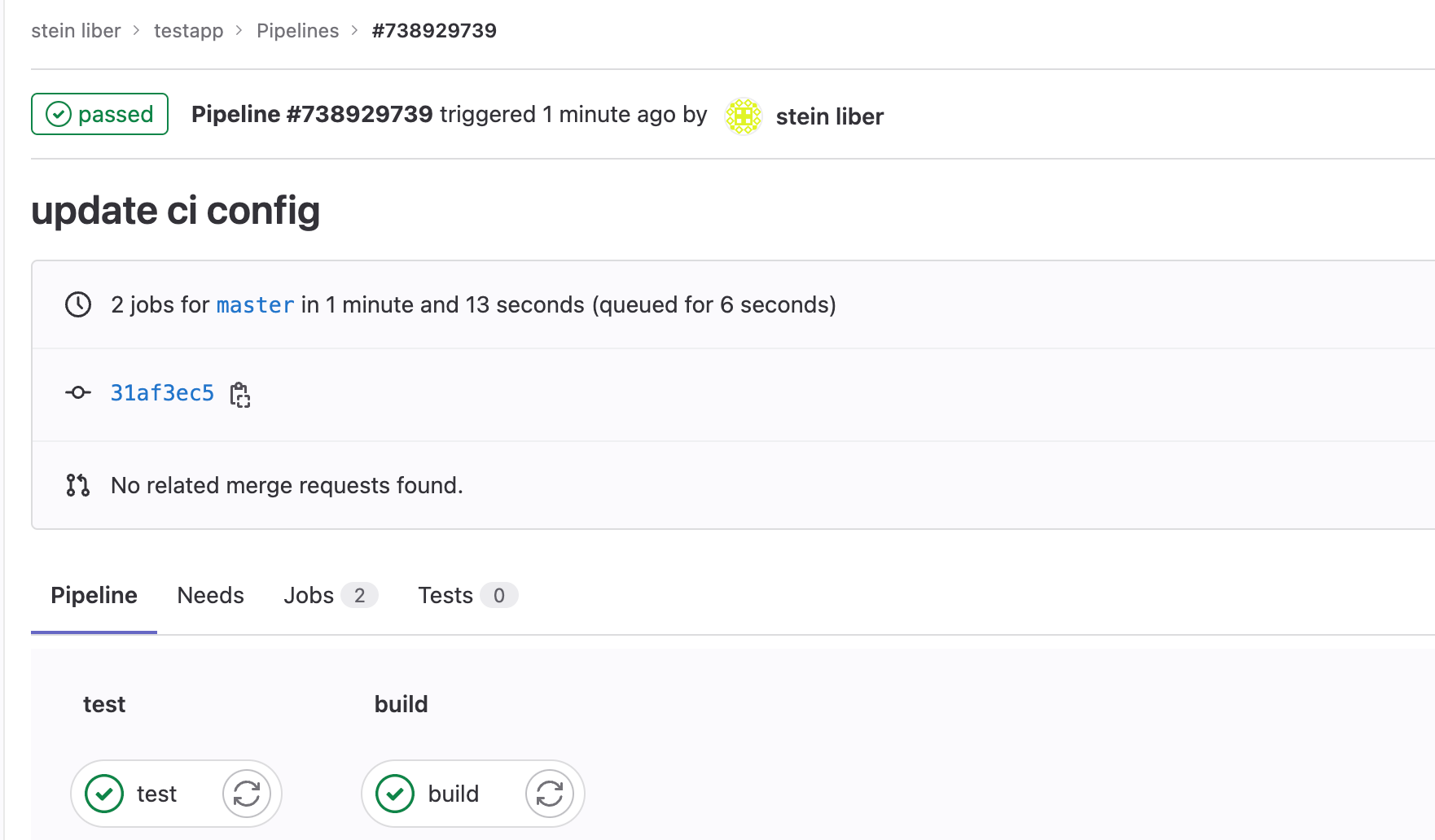
Now we can see the repo has been created in GitLab and the image has been uploaded to Dockerhub.
In your Kubernetes cluster, the app pod is created in the default namespace.